
Microsoft AI has evolved from a collection of experimental tools into a comprehensive ecosystem that powers enterprise transformation across industries. As organisations navigate the complexities of digital innovation in 2026, Microsoft's AI portfolio stands at the intersection of cloud computing, productivity software, and cutting-edge research. Understanding how these technologies integrate and deliver value has become essential for businesses seeking competitive advantage.
The Foundation of Microsoft's AI Ecosystem
Microsoft AI operates on three foundational pillars that distinguish it from competitors. The Azure AI platform provides the infrastructure layer, enabling organisations to build, deploy, and scale AI applications with enterprise-grade security. Microsoft 365 Copilot brings AI directly into daily workflows, transforming how employees interact with documents, emails, and data. Research initiatives, including the development of models like Phi-3, which can run on mobile devices, ensure continuous innovation.
These components work together rather than existing as isolated products. Azure provides the computational backbone, whilst Copilot serves as the user-facing intelligence layer that democratises AI access across organisations.
Azure AI Platform Capabilities
Azure AI delivers a comprehensive suite of services designed for enterprise deployment:
- Azure OpenAI Service for accessing GPT-4, GPT-4o, and other frontier models
- Azure AI Foundry (formerly Azure Machine Learning) for custom model development
- Cognitive Services providing pre-built APIs for vision, speech, and language
- Azure AI Search enabling semantic search across enterprise data
- Responsible AI tools for model evaluation and governance
The platform's strength lies in its integration capabilities. Building robust AI infrastructure requires more than raw computational power-it demands security, compliance frameworks, and seamless connectivity to existing business systems.

Microsoft 365 Copilot: AI in the Flow of Work
Microsoft 365 Copilot represents a fundamental shift in productivity software by embedding AI assistance directly into applications employees use daily. Rather than requiring users to switch contexts or learn new interfaces, Copilot operates within Word, Excel, PowerPoint, Outlook, and Teams.
TechCrunch’s comprehensive overview highlights how Copilot has evolved from a single-model system into a platform that can leverage multiple AI models, including recent partnerships that bring Anthropic's Claude capabilities to Microsoft 365 users.
Real-World Applications Across Business Functions
| Business Function | Copilot Capability | Impact Measurement |
|---|---|---|
| Sales | Email draft generation, meeting summaries | 23% reduction in administrative time |
| Finance | Data analysis in Excel, report generation | 40% faster financial close processes |
| HR | Policy document creation, candidate screening | 35% improvement in recruitment efficiency |
| Operations | Process documentation, workflow optimisation | 28% reduction in onboarding time |
Research published on arXiv examining Copilot adoption demonstrates measurable improvements in knowledge worker productivity, though the study also reveals that user acceptance varies significantly based on task complexity and individual technical proficiency.
The integration extends beyond simple automation. Enhancing the AI employee experience involves thoughtful change management, training programmes, and governance frameworks that ensure AI augments rather than replaces human judgement.
Responsible AI and Governance Frameworks
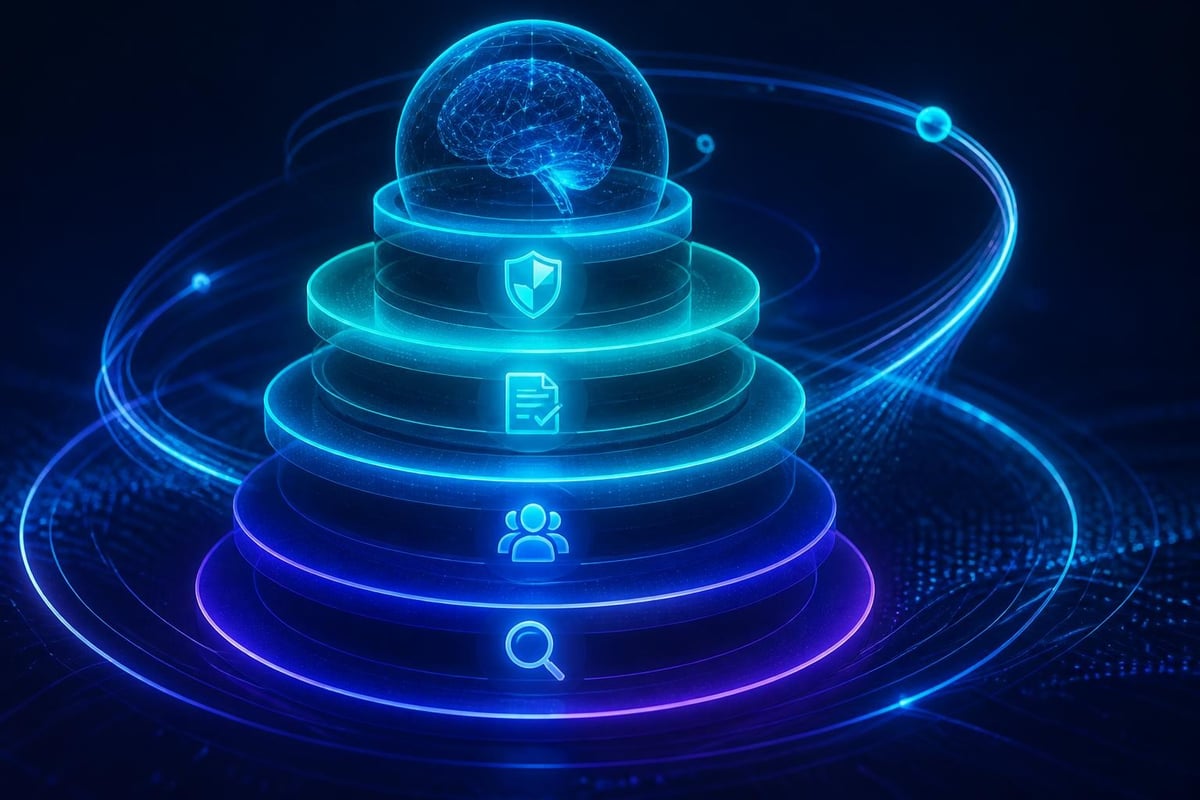
Microsoft AI's commitment to responsible development distinguishes its approach in an increasingly scrutinised industry. The company's 2025 Responsible AI Transparency Report outlines comprehensive governance structures, model evaluation processes, and risk mitigation strategies.
Key principles guide Microsoft's AI development:
- Fairness through bias detection and mitigation tools
- Reliability and safety via extensive testing protocols
- Privacy and security with data encryption and access controls
- Inclusiveness ensuring AI benefits diverse user populations
- Transparency providing clear model documentation
- Accountability establishing clear responsibility chains
These aren't merely aspirational statements. Microsoft embeds technical safeguards throughout its AI stack, from content filtering in Azure OpenAI Service to prompt injection detection in Copilot. However, security researchers have identified potential vulnerabilities, demonstrating that responsible AI requires continuous vigilance and adaptation.
Implementing Governance in Enterprise Deployments
Organisations deploying Microsoft AI technologies must establish their own governance frameworks that complement Microsoft's built-in protections. This involves defining acceptable use policies, establishing approval workflows for sensitive applications, and implementing monitoring systems that track AI usage patterns.
Developing an effective AI strategy requires balancing innovation velocity with risk management. Enterprises must consider data residency requirements, industry-specific regulations, and organisational risk tolerance when configuring Microsoft AI services.
Multi-Model Strategy and Ecosystem Partnerships
Microsoft AI's evolution reflects a pragmatic recognition that no single model excels across all tasks. The company has embraced a multi-model approach, integrating capabilities from OpenAI, Anthropic, Meta, and its own research teams. Reports from major business outlets confirm Microsoft's expansion of model choice within Copilot, allowing organisations to select models based on specific requirements.
This strategy delivers several advantages:
- Specialisation: Different models excel at different tasks (coding, creative writing, analysis)
- Cost optimisation: Smaller models like Phi-3 provide efficiency for routine tasks
- Risk mitigation: Multiple model sources reduce dependence on single providers
- Innovation access: Partnerships accelerate capability improvements
The Azure AI Foundry platform serves as the orchestration layer, enabling organisations to deploy, test, and compare different models within a unified environment. Microsoft Learn documentation provides detailed guidance on implementing these multi-model architectures.
Industry-Specific Applications and Vertical Solutions
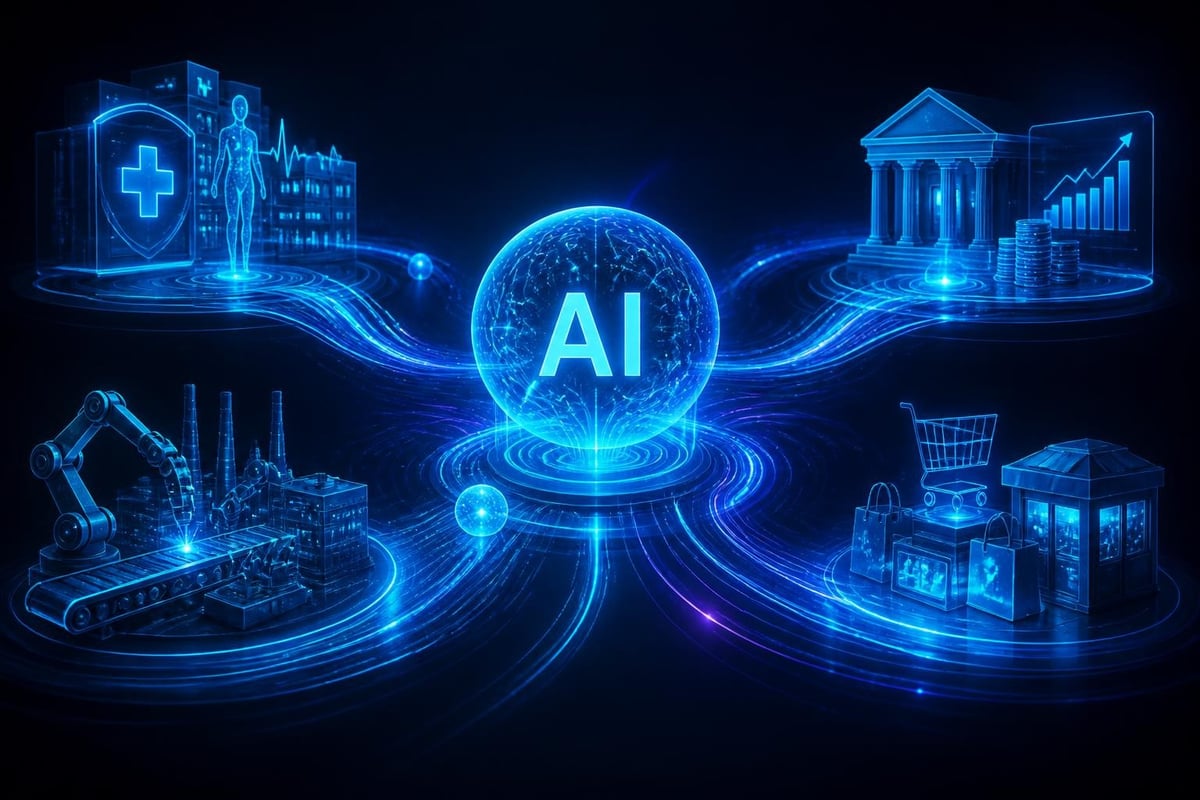
Microsoft AI's versatility enables applications across diverse industries, each with unique requirements and regulatory constraints. Rather than offering one-size-fits-all solutions, Microsoft has developed industry-specific capabilities that address sector-specific challenges.
Healthcare and Life Sciences
AI-powered diagnostic assistance, clinical documentation automation, and drug discovery acceleration represent key applications. Microsoft Cloud for Healthcare combines Azure AI services with specialised tools for medical imaging analysis, patient risk stratification, and treatment recommendation systems.
Financial Services
Banks and insurance companies leverage Microsoft AI for fraud detection, credit risk assessment, and regulatory compliance. Natural language processing capabilities enable analysis of financial documents, whilst machine learning models identify anomalous transaction patterns in real-time.
Manufacturing and Supply Chain
Predictive maintenance systems analyse sensor data to prevent equipment failures. Computer vision applications perform quality control inspections with greater consistency than manual processes. AI workflow automation streamlines procurement, inventory management, and logistics coordination.
| Industry | Primary Use Cases | Key Technologies |
|---|---|---|
| Retail | Demand forecasting, personalisation, inventory optimisation | Azure ML, Cognitive Services |
| Energy | Grid optimisation, predictive maintenance, sustainability monitoring | IoT Hub, Azure Synapse, Power BI |
| Public Sector | Citizen services, document processing, resource allocation | Azure Government, Form Recogniser |
Understanding how frontier firms leverage AI provides insights into best practices that transcend industry boundaries. Leading organisations share common characteristics: executive sponsorship, cross-functional AI teams, and willingness to experiment with emerging capabilities.
Integration with Business Systems and Data Platforms
Microsoft AI's value multiplies when integrated with existing business systems. The platform's connectors enable AI capabilities to access data from ERP systems, CRM platforms, data warehouses, and legacy applications without requiring extensive data migration.
Data Connectivity and Preparation
Effective AI implementation begins with data strategy. Microsoft provides several approaches:
- Direct database connections to SQL Server, PostgreSQL, MySQL
- API integrations with Dynamics 365, SAP, Salesforce
- File-based ingestion supporting structured and unstructured formats
- Real-time streaming through Azure Event Hubs and IoT Hub
The "use your own data" pattern within Azure OpenAI Service exemplifies this integration philosophy. Organisations can ground AI responses in proprietary data whilst maintaining security boundaries. This approach addresses hallucination concerns whilst enabling AI to provide contextually relevant answers.
Implementing business intelligence using AI transforms static reporting into dynamic insight generation. Rather than waiting for scheduled reports, decision-makers can query data conversationally and receive visualisations tailored to specific questions.
Developer Tools and Customisation Capabilities
Microsoft AI provides extensive customisation options for organisations requiring solutions beyond out-of-the-box capabilities. Azure AI Studio (part of Azure AI Foundry) offers a unified development environment for building, testing, and deploying custom AI applications.
Developers access:
- Pre-trained models through Azure OpenAI Service and Cognitive Services APIs
- Custom model training using Azure Machine Learning
- Fine-tuning capabilities to specialise foundation models
- Prompt engineering tools to optimise model interactions
- Deployment pipelines for production scaling
The platform supports popular frameworks including PyTorch, TensorFlow, and scikit-learn, enabling data scientists to work with familiar tools whilst benefiting from Azure's infrastructure. Customising AI solutions requires balancing technical complexity against business value and time-to-deployment.
Low-Code and No-Code Options
Not all AI implementation requires deep technical expertise. Power Platform integration brings AI capabilities to business users through:
- AI Builder for creating custom models without coding
- Copilot Studio for building conversational AI agents
- Power Automate for AI-enhanced workflow automation
- Power BI for AI-driven analytics and visualisation
These tools democratise AI access whilst maintaining governance through centralised administration. Building apps with AI using Power Platform enables rapid prototyping and iteration based on user feedback.
Cost Optimisation and Licensing Models
Understanding Microsoft AI pricing structures helps organisations maximise return on investment whilst controlling expenses. The company offers multiple licensing options tailored to different use patterns and organisational sizes.
Consumption-Based Pricing
Azure AI services typically charge based on usage:
- API calls for Cognitive Services (per transaction)
- Token consumption for Azure OpenAI Service (per 1,000 tokens)
- Compute hours for custom model training (per hour of GPU/CPU)
- Storage and egress for data retention and transfer
This model provides flexibility but requires monitoring to prevent unexpected costs. Implementing quotas, alerts, and budget controls ensures spending aligns with business value.
Subscription-Based Licensing
Microsoft 365 Copilot follows per-user subscription pricing, currently positioned as an add-on to existing Microsoft 365 E3 or E5 licences. This predictable cost structure simplifies budgeting but requires organisations to evaluate which employees will benefit most from Copilot access.
| Licensing Model | Best For | Cost Control Strategy |
|---|---|---|
| Consumption | Variable workloads, development | Usage quotas, auto-shutdown |
| Subscription | Predictable user base, productivity tools | Phased rollout, usage analytics |
| Reserved Capacity | High-volume, production workloads | Commitment discounts, capacity planning |
Understanding AI infrastructure costs involves more than licensing fees. Organisations must account for training expenses, change management investment, and ongoing maintenance requirements.
Security, Compliance, and Data Residency
Enterprise AI adoption hinges on addressing security and compliance requirements. Microsoft AI implements multiple security layers that align with global regulatory frameworks including GDPR, HIPAA, SOC 2, and ISO 27001.
Key security features include:
- Data encryption at rest and in transit using industry-standard protocols
- Network isolation through virtual networks and private endpoints
- Identity management with Azure Active Directory integration
- Threat protection via Microsoft Defender for Cloud
- Audit logging for compliance and forensic analysis
Data residency requirements vary by jurisdiction and industry. Azure's global infrastructure enables organisations to specify geographic regions for data processing and storage, ensuring compliance with local regulations whilst maintaining performance.
Managing AI-Specific Risks
Beyond traditional cybersecurity, AI introduces unique risk vectors:
- Prompt injection attacks attempting to manipulate model behaviour
- Data poisoning corrupting training datasets
- Model inversion extracting sensitive information from models
- Adversarial inputs designed to produce incorrect outputs
Microsoft provides tools for detecting and mitigating these threats, but organisations must implement comprehensive AI governance frameworks that address both technical and process-level controls.
Performance Optimisation and Scaling Strategies
Deploying Microsoft AI at enterprise scale requires careful attention to performance optimisation. Several factors influence system responsiveness and throughput:
Model Selection and Configuration
Choosing appropriate models balances capability against latency and cost. Smaller models like Phi-3 deliver faster responses with lower computational requirements, suitable for routine tasks. Larger models provide superior reasoning for complex scenarios but require more resources.
Optimisation techniques include:
- Caching frequent queries to reduce redundant API calls
- Batch processing for high-volume, non-interactive workloads
- Regional deployment minimising network latency
- Load balancing distributing requests across multiple instances
- Asynchronous processing improving user experience for long-running tasks
Azure's auto-scaling capabilities adjust resources based on demand patterns, ensuring consistent performance during peak periods whilst controlling costs during low-utilisation windows.
The Broader AI Landscape and Microsoft's Position
IEEE Spectrum’s analysis of AI trends positions Microsoft as a key infrastructure provider whose platforms enable both direct AI applications and third-party innovation. The company's dual role as AI developer and platform provider creates unique dynamics in the competitive landscape.
Microsoft's partnerships with OpenAI, Anthropic, and Meta demonstrate a collaborative approach that contrasts with fully verticalised competitors. This strategy accelerates innovation by leveraging external research whilst maintaining control over enterprise features, security, and compliance.
The company's research division continues advancing AI foundations through projects exploring:
- Multimodal understanding combining text, images, and audio
- Reasoning capabilities enabling complex problem-solving
- Efficiency improvements reducing computational requirements
- Safety alignment ensuring AI systems behave as intended
These research investments flow into commercial products through a structured productisation process, ensuring enterprise customers benefit from cutting-edge capabilities with appropriate stability and support.
Implementation Roadmap for Enterprise Adoption
Successfully deploying Microsoft AI requires structured planning that balances ambition with pragmatic execution. Organisations should follow a phased approach:
Phase 1: Assessment and Strategy (Weeks 1-4)
- Identify high-value use cases aligned with business priorities
- Evaluate existing data infrastructure and quality
- Assess current Microsoft licensing and infrastructure
- Define success metrics and ROI expectations
- Establish governance frameworks and acceptable use policies
Phase 2: Pilot Implementation (Weeks 5-12)
- Deploy limited-scope pilots with defined user groups
- Configure Azure AI services and security controls
- Integrate with critical business systems
- Collect user feedback and usage analytics
- Refine prompts, workflows, and training materials
Phase 3: Scale and Optimise (Weeks 13-26)
- Expand deployment based on pilot learnings
- Implement advanced features and customisations
- Optimise performance and cost efficiency
- Develop internal expertise and support capabilities
- Measure business impact against defined metrics
This timeline provides a framework, but actual implementation schedules vary based on organisational complexity, technical maturity, and resource availability. Working with experienced partners accelerates deployment by leveraging proven methodologies and avoiding common pitfalls.
Training, Change Management, and Adoption
Technology deployment represents only half the equation. Successful Microsoft AI adoption requires comprehensive change management addressing human factors:
Executive Sponsorship: Visible leadership support signals organisational commitment and helps overcome resistance. Leaders should articulate how AI aligns with strategic objectives and supports employees rather than replacing them.
Role-Based Training: Different user groups require tailored education. Executives need strategic context, end-users need practical application guidance, and IT teams need technical depth. Training should emphasise productivity gains and efficiency improvements rather than focusing solely on features.
Community Building: Internal champions and power users accelerate adoption by demonstrating value and providing peer support. Regular sharing sessions, use case libraries, and recognition programmes sustain momentum beyond initial deployment.
Continuous Learning: AI capabilities evolve rapidly. Organisations must establish ongoing education mechanisms ensuring employees stay current with new features and best practices.
Measuring adoption requires tracking both quantitative metrics (usage rates, task completion times) and qualitative feedback (user satisfaction, perceived value). These insights inform refinements to training programmes and identify opportunities for expanding AI use across additional workflows.
Microsoft AI has matured into a comprehensive ecosystem that enables enterprise transformation across productivity, development, and business intelligence domains. The platform's integration capabilities, responsible AI frameworks, and continuous innovation position it as a strategic foundation for organisations navigating digital transformation. Stellium Consulting helps enterprises unlock the full potential of Microsoft AI through expert implementation, strategic guidance, and ongoing optimisation-partnering with you to transform technology investment into measurable business value.